Description
A key part of the user journey, this work showcases my UX motion design for the Google Pixel 10’s Onboarding and Setup Wizard. Utilizing Google’s Material Design 3 system, we collaborated across 50 teams to craft a seamless out-of-box experience. Collectively, we delivered 258 unique screens and flows to guide new customers through their first moments with the device.
Role
UX Motion
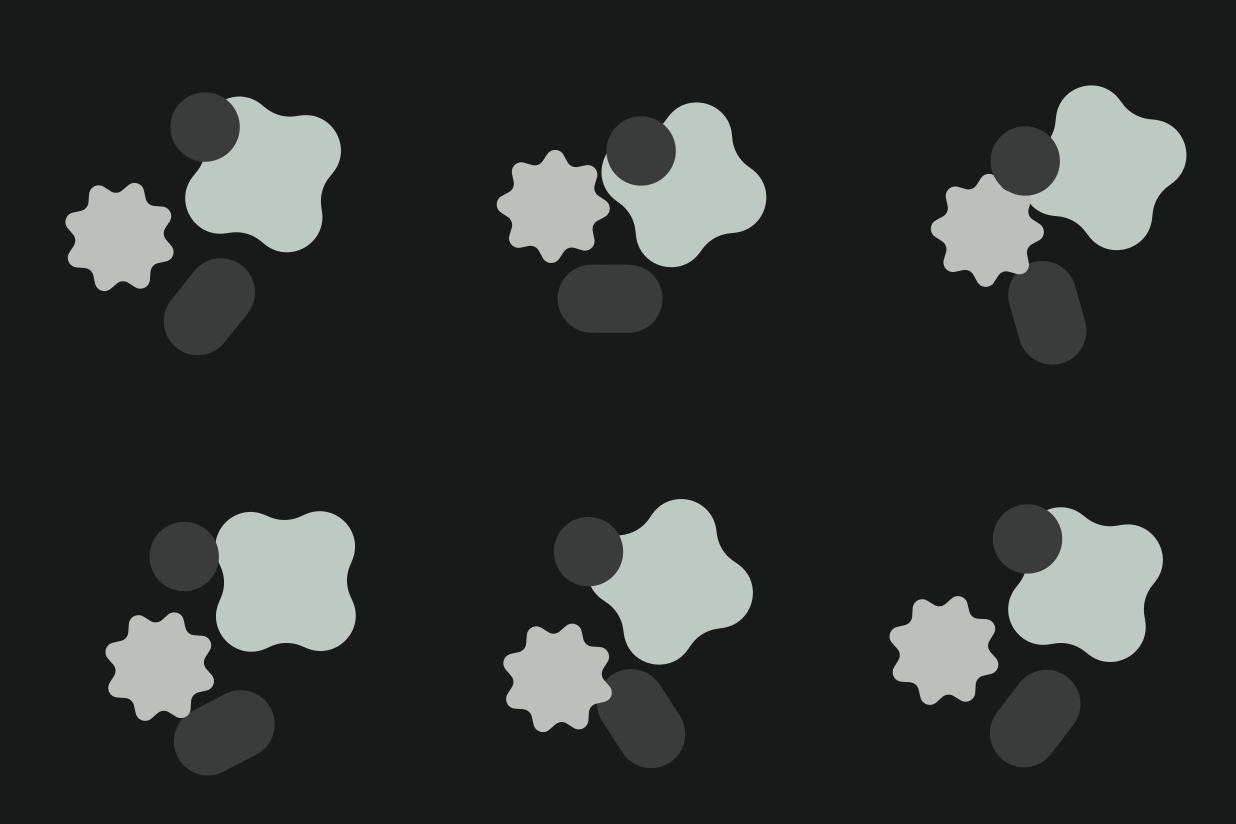
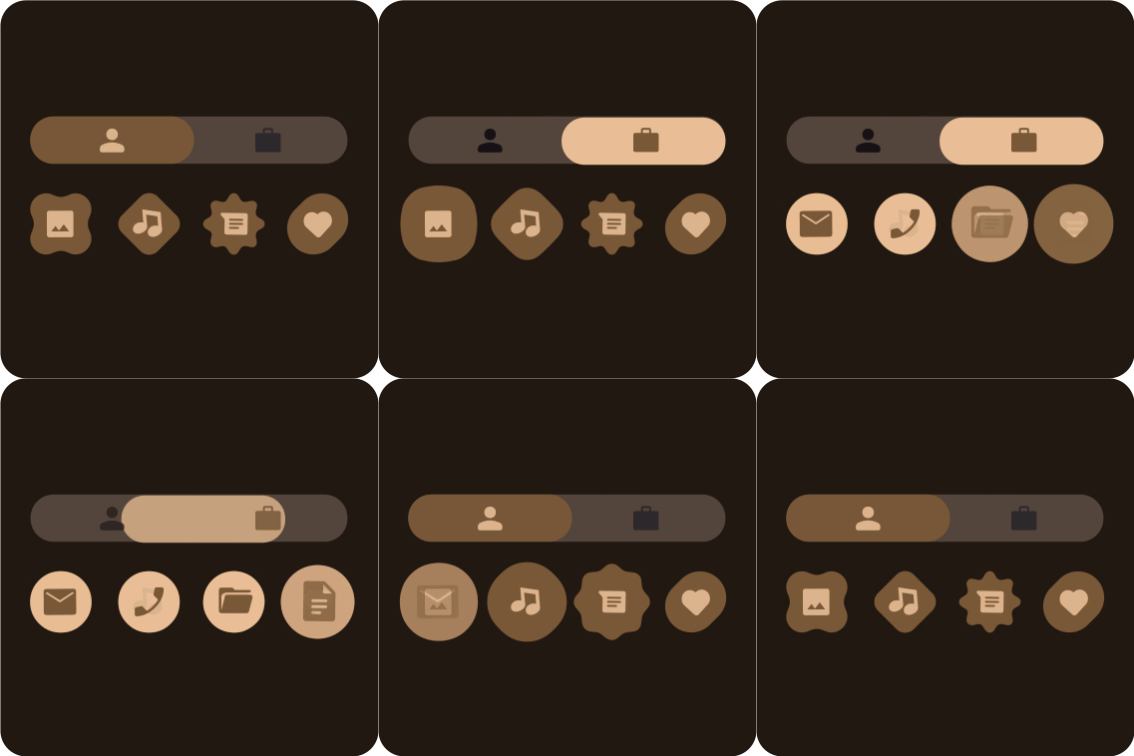

Built for seamless handoffs, my workflow involved animating in After Effects and rendering final assets as lightweight JSONs. To support dynamic colors on the engineering side, I developed a custom plugin that managed color profiles during export. This ensured the animations adapted perfectly to the system's theming while eliminating implementation bugs.
Tools Used
After Effects, Figma, Lottie (JSON), Custom Scripting
Dynamic Colors
Google’s "Material You" philosophy treats color as a bridge between physical hardware and digital interfaces, meticulously tuning palettes to match physical nuances like mood and material feasibility. This collaboration ensures that digital surfaces—from the Pixel 10 to the Pixel Watch—reflect a cohesive "hard and soft surface" translation.
My Role in the System
As part of the UX motion team, I worked within this dynamic digital color system to ensure that every animation—from onboarding flows to setup wizards—responded fluidly to the user’s chosen theme. By bridging the gap between interface designers and industrial designers, we maintained a consistent visual language that translated perfectly across different materials and global contexts.
The Production Challenge
While Google’s "Material You" provides a beautiful framework for dynamic expression, implementing it within high-stakes motion production presents a significant technical hurdle. Translating hundreds of Figma-based color tokens into complex After Effects timelines often leads to manual errors, "off-palette" colors, and broken theme transitions that can undermine the cohesion between hard and soft surfaces.
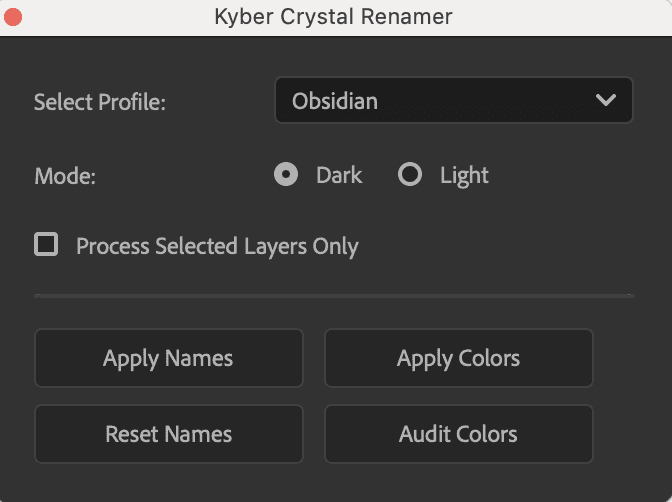
The Scripted Solution
I developed the Kyber Color Renamer to automate this bridge between design systems and motion. This custom ScriptUI panel instantly maps hex values to semantic tokens, allowing for one-click toggling between Light and Dark modes across entire projects. By including a built-in audit engine to "heal" illegal colors, the tool ensures that every animation—no matter how complex—remains 100% compliant with the Material Design system.